.png)
PROJECT OVERVIEW :
We are going to create a blynk dashboard in mobile and web dashboard also. We can use any dashboard to view or send data using widgets.
REQUIRMENTS :
● Mobile phone (Android or iOS)
● PC (with browser)
● Blynk account (paid or free)
CREATING BLYNK ACCOUNT :
Go to https://blynk.io/
in browser and click start free button. Then enter your mail ID and signup, a confirmation link will go to your mail go to your email and open the mail which come from blynk and click confirm then you can set password. Now you can login with your account.
BLYNK WEB DASHBOARD :
Go to https://blynk.io/
in browser and login with your account.
Click on templets and new templet.
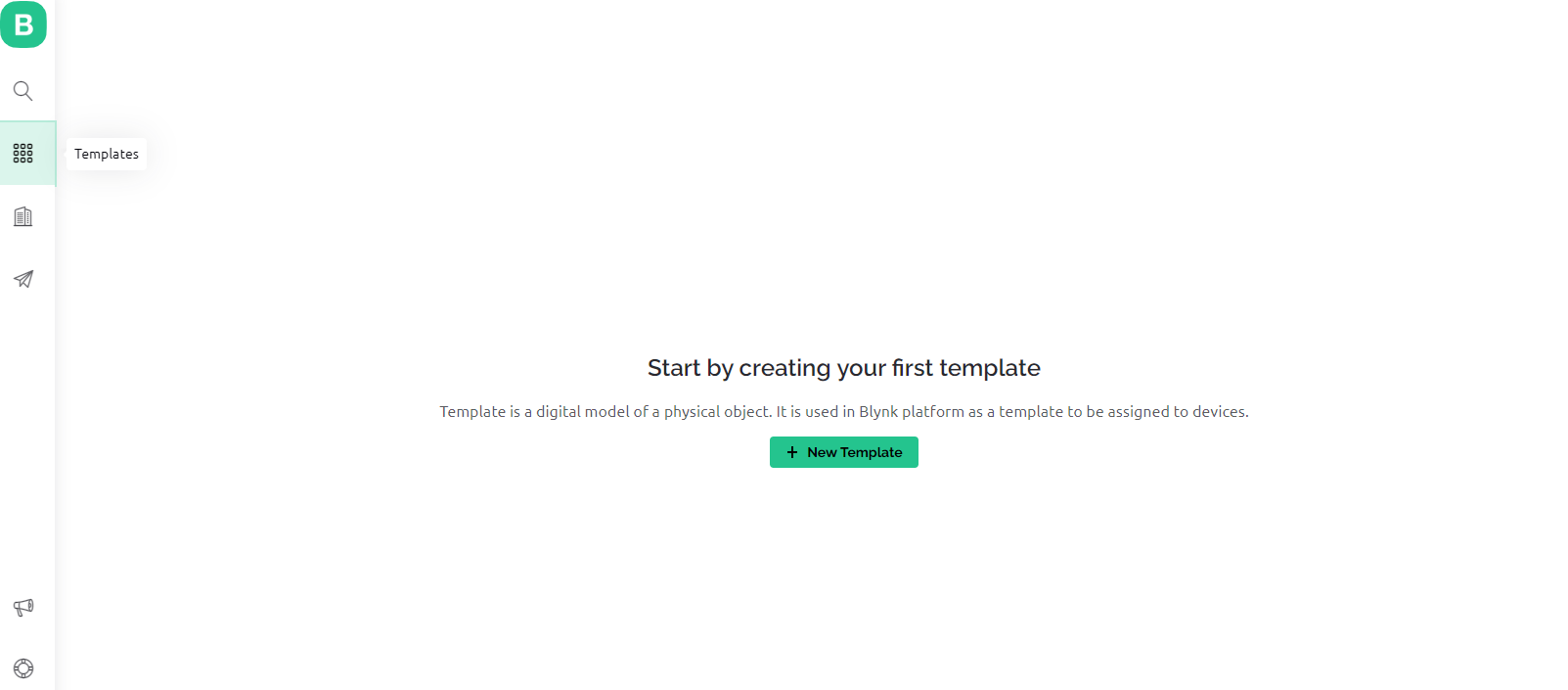
Give name for new templet.
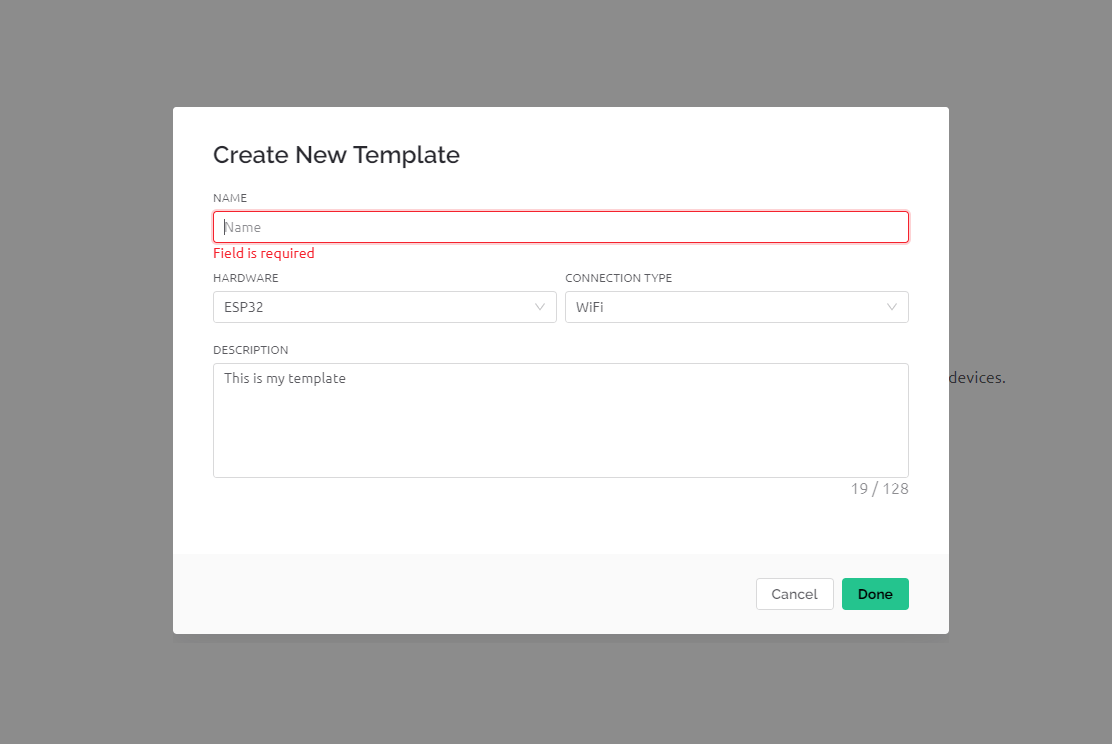
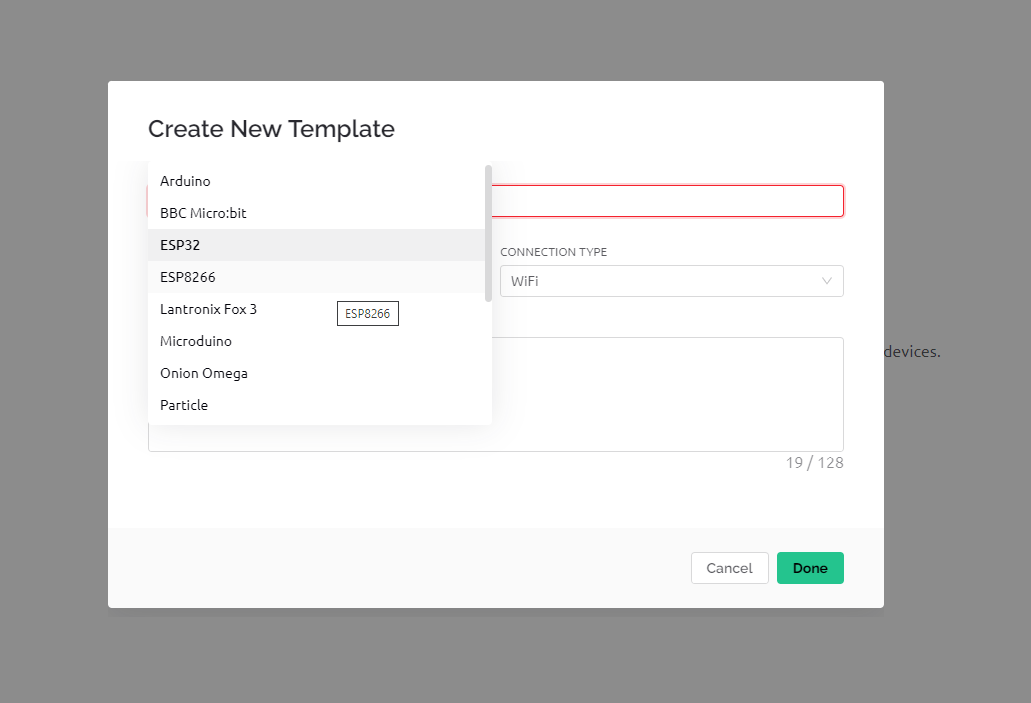
Select the hardware which you are using. Example esp32 or esp8266.
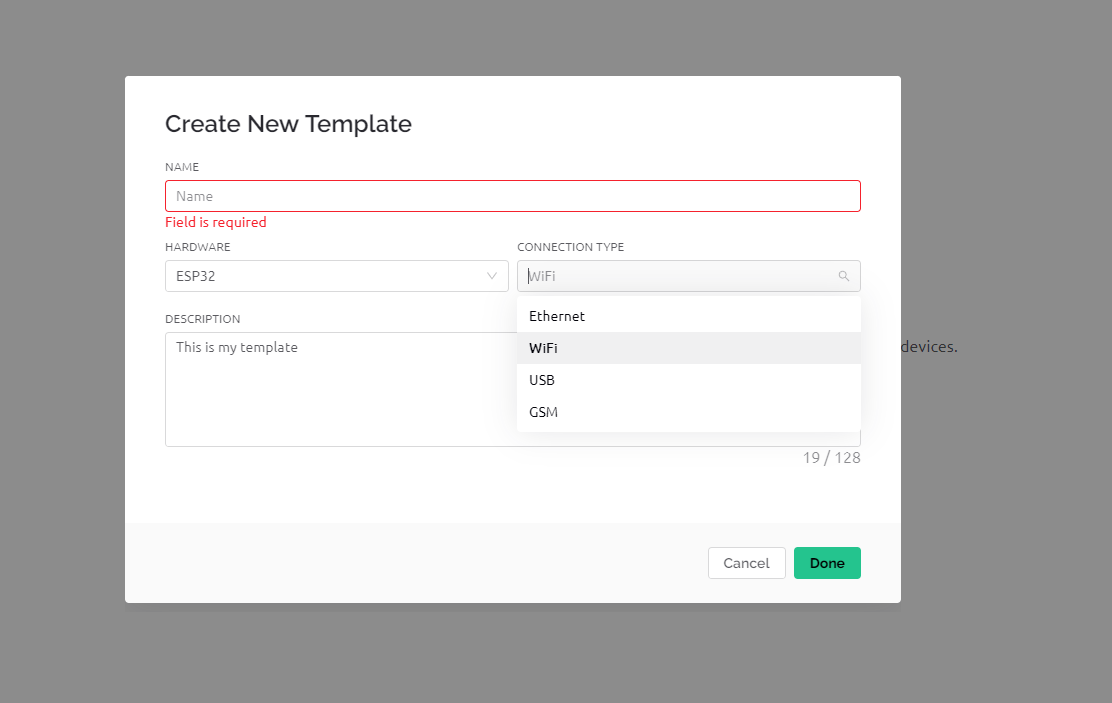
Select the connection method which you are using. Example WiFi or GSM. Then create templet.
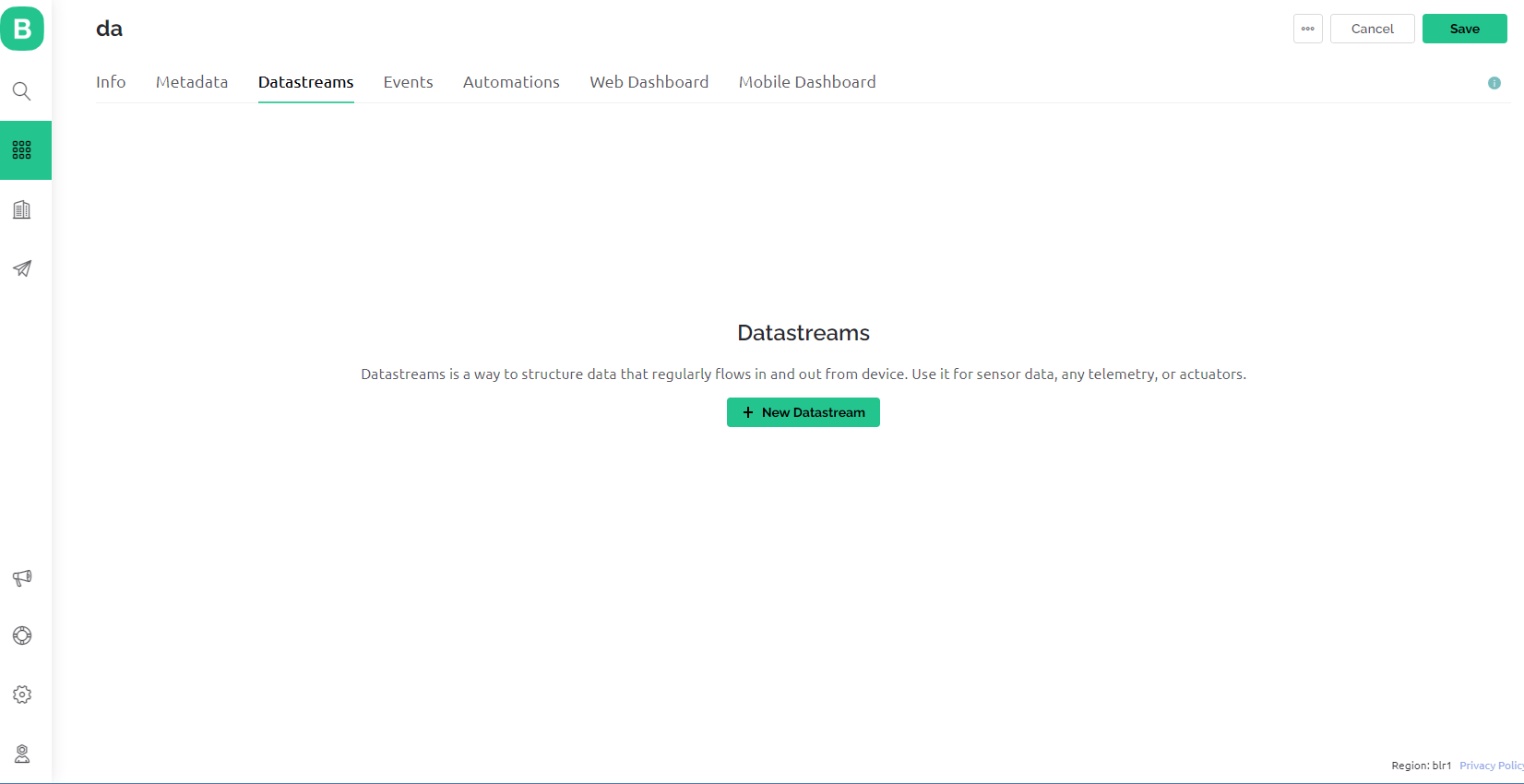
Go to datastreams and click new datastream.
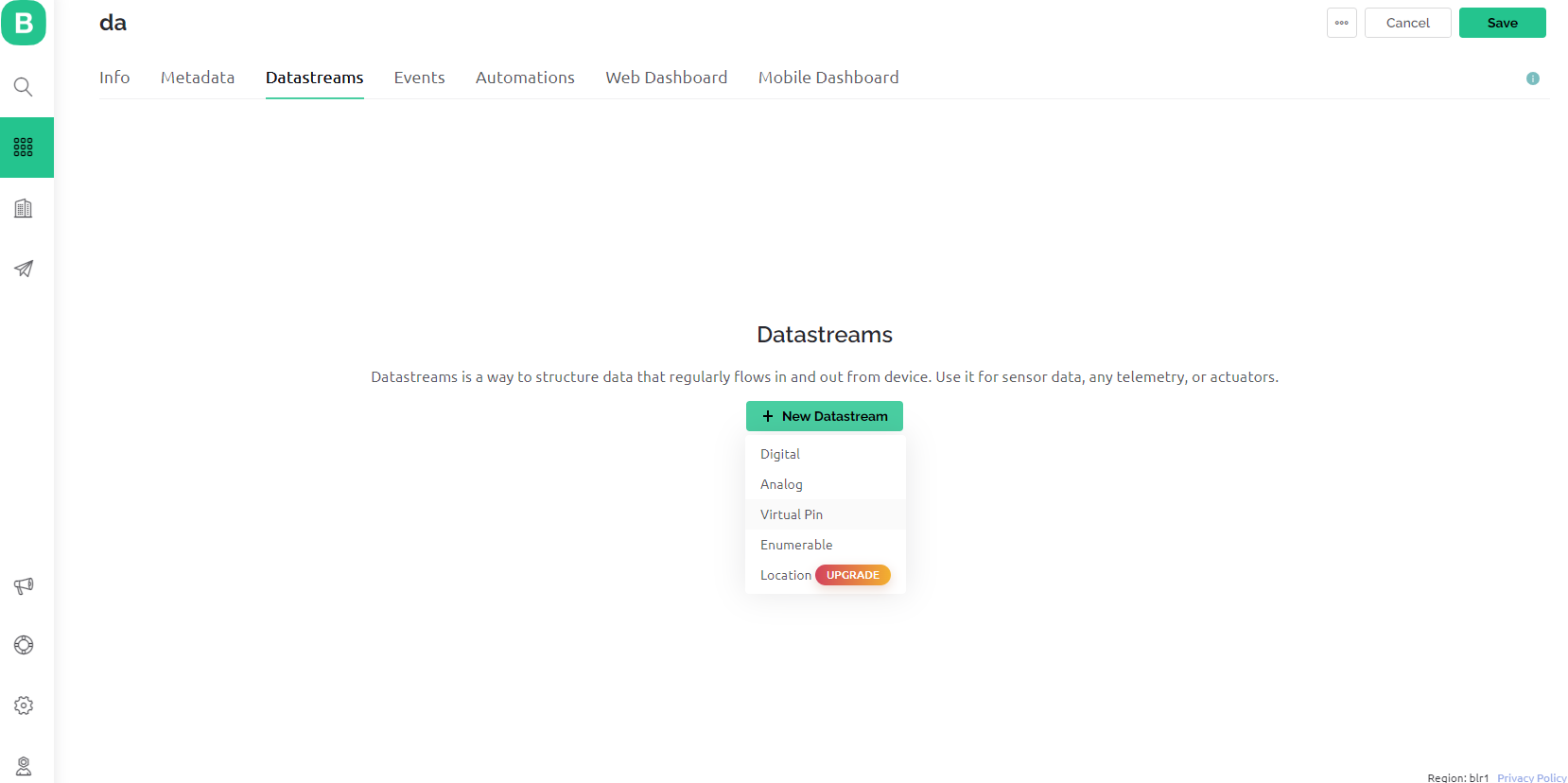
Then select the datastream type. Example virtual pin or analog pin.
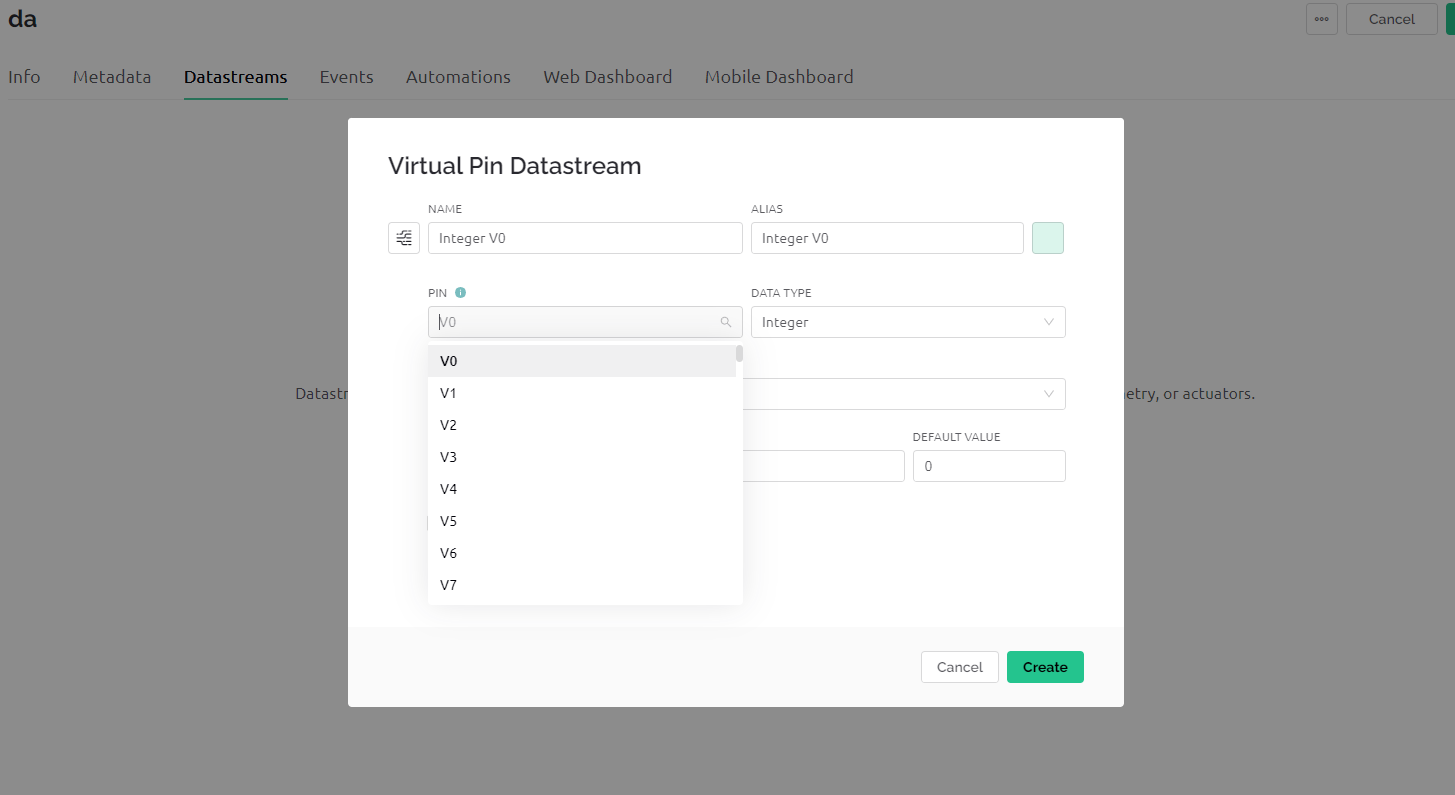
Then select pin. Example V0 or V1. Select the data type as per your requirement.
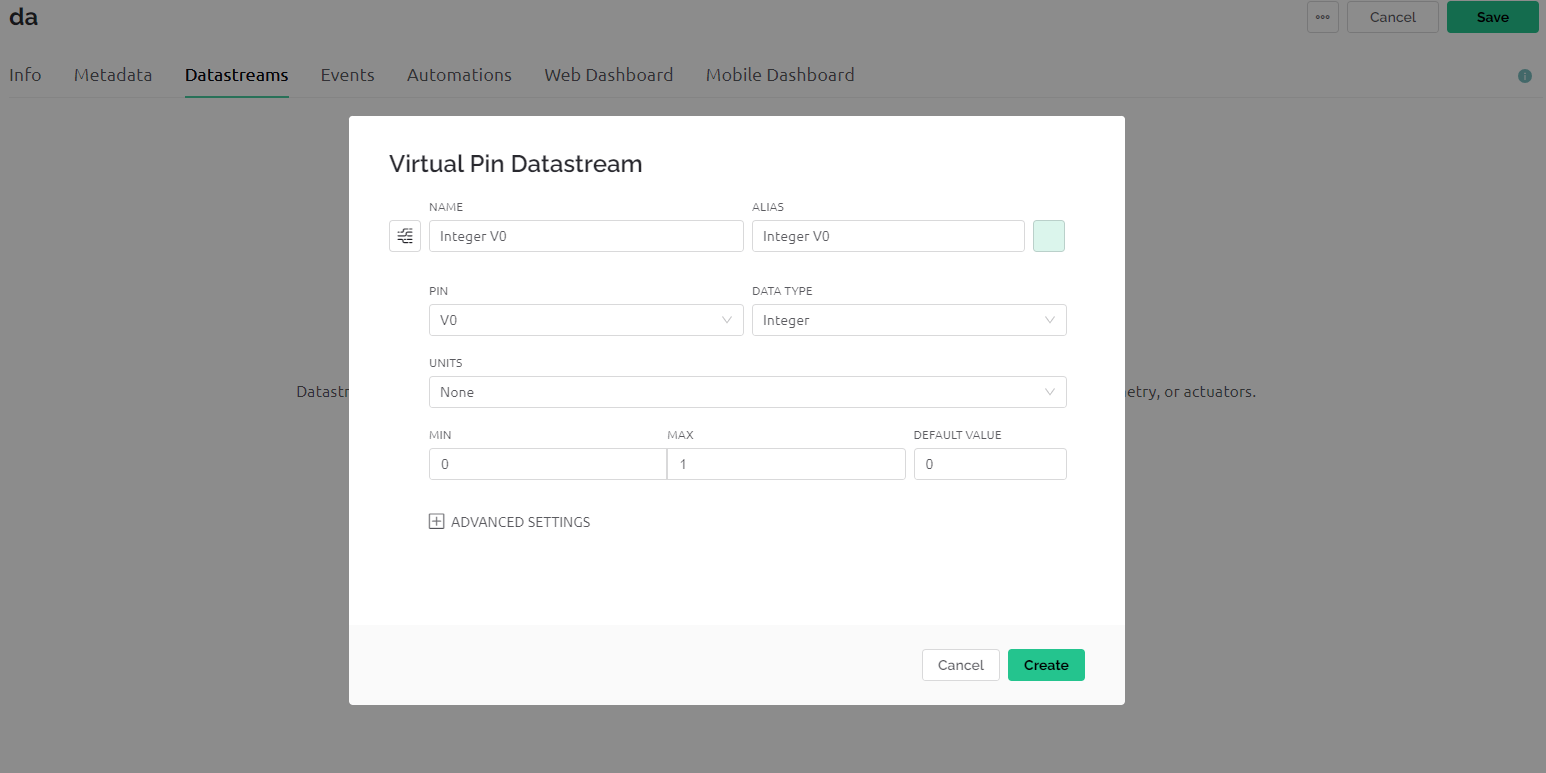
Then set the units and range as per your requirement.
Then go to web dashboard. You can see widget box left side.
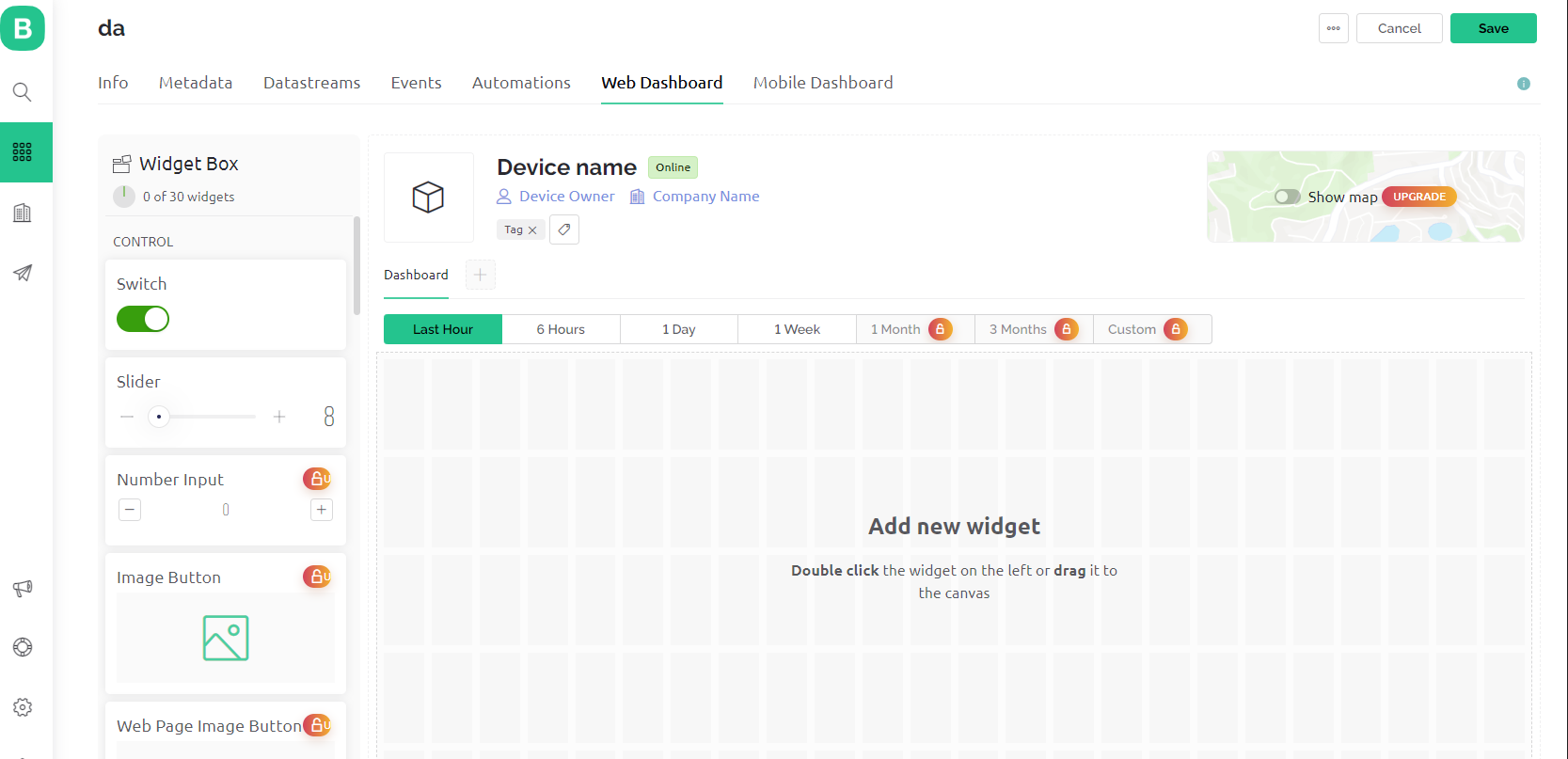
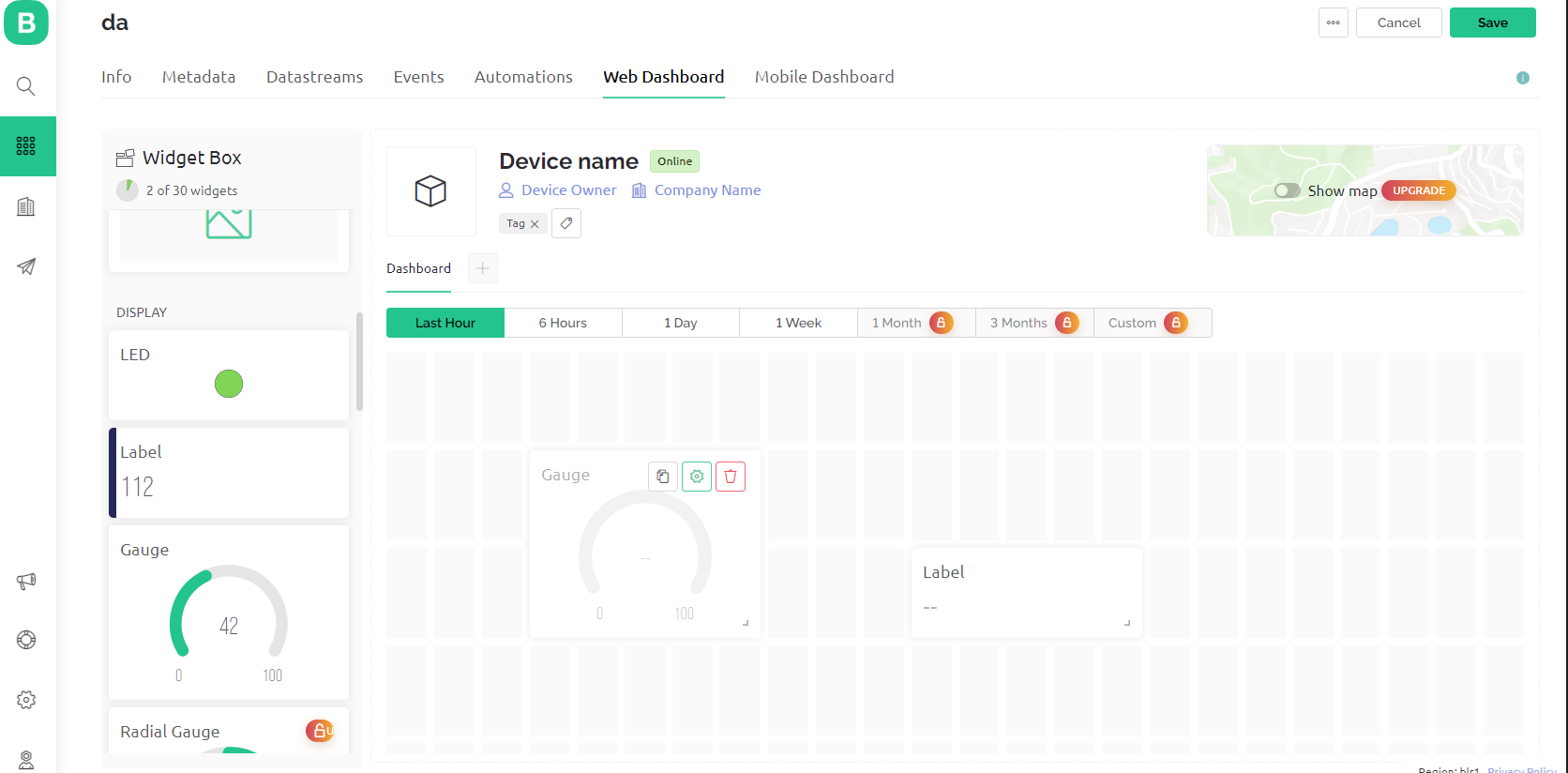
Select and drag the widget you want and place it in dashboard.

Now you can see a setting icon on that widget. Click that.
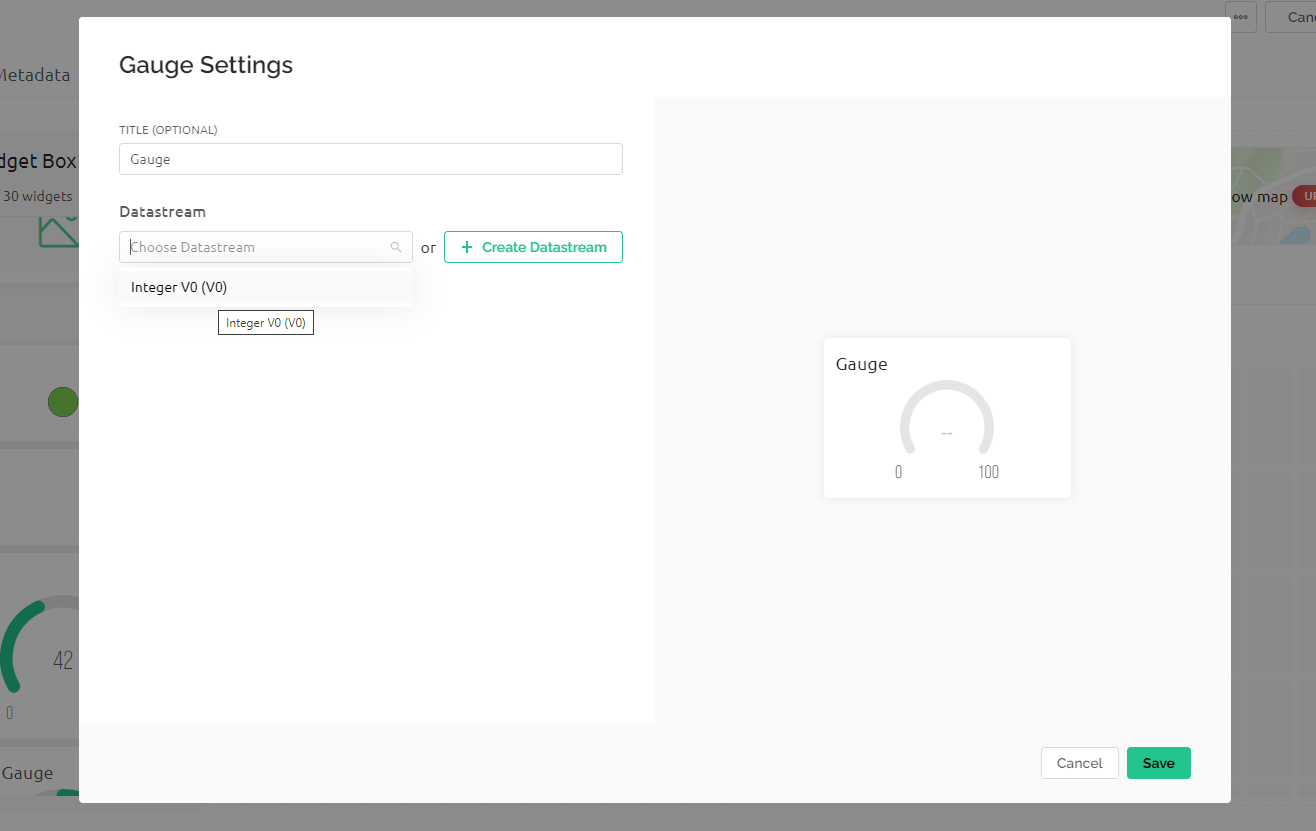
Select the datastream you created or create new one if you want.
Now you can see the datastream on the widget.
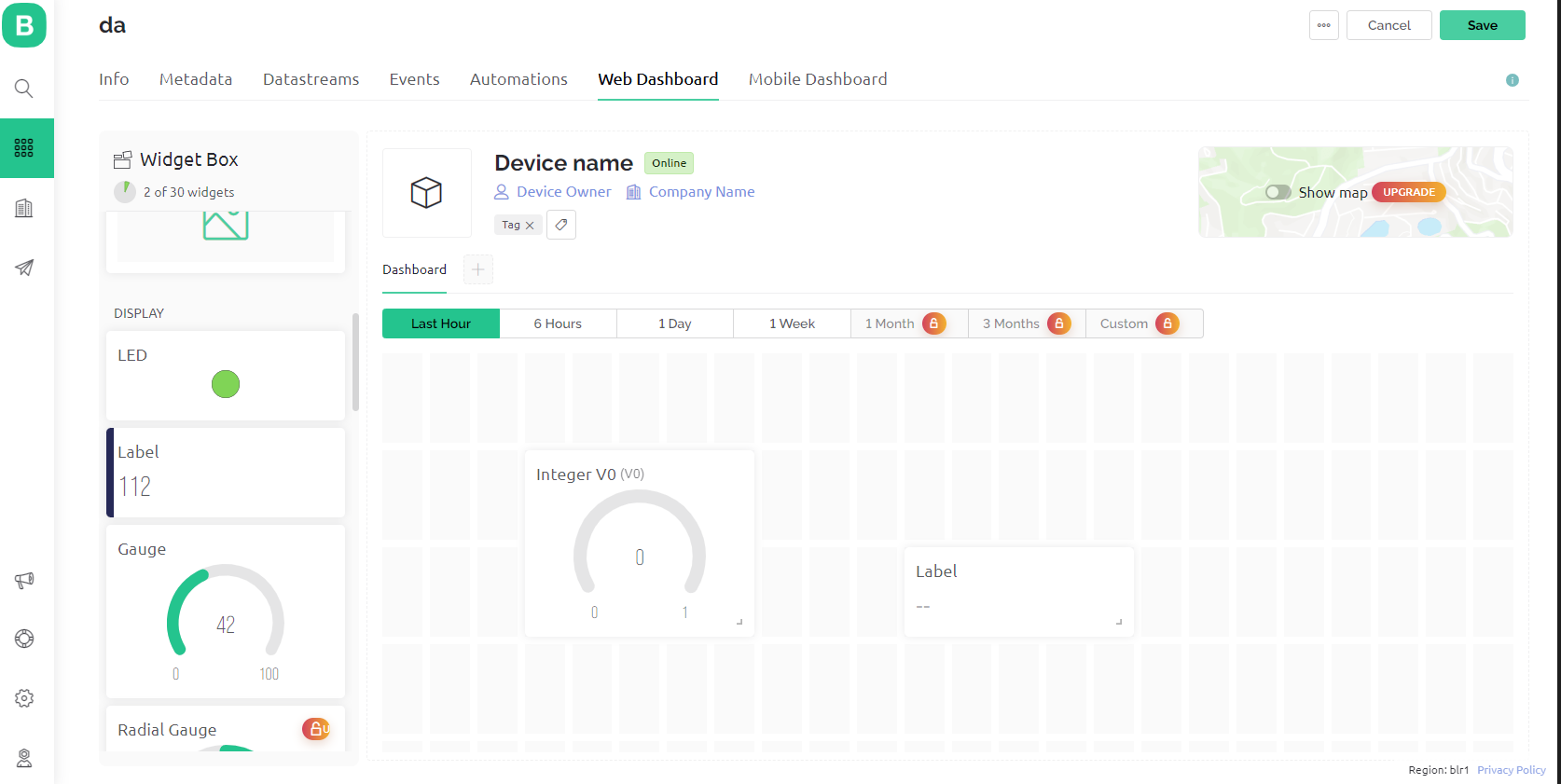
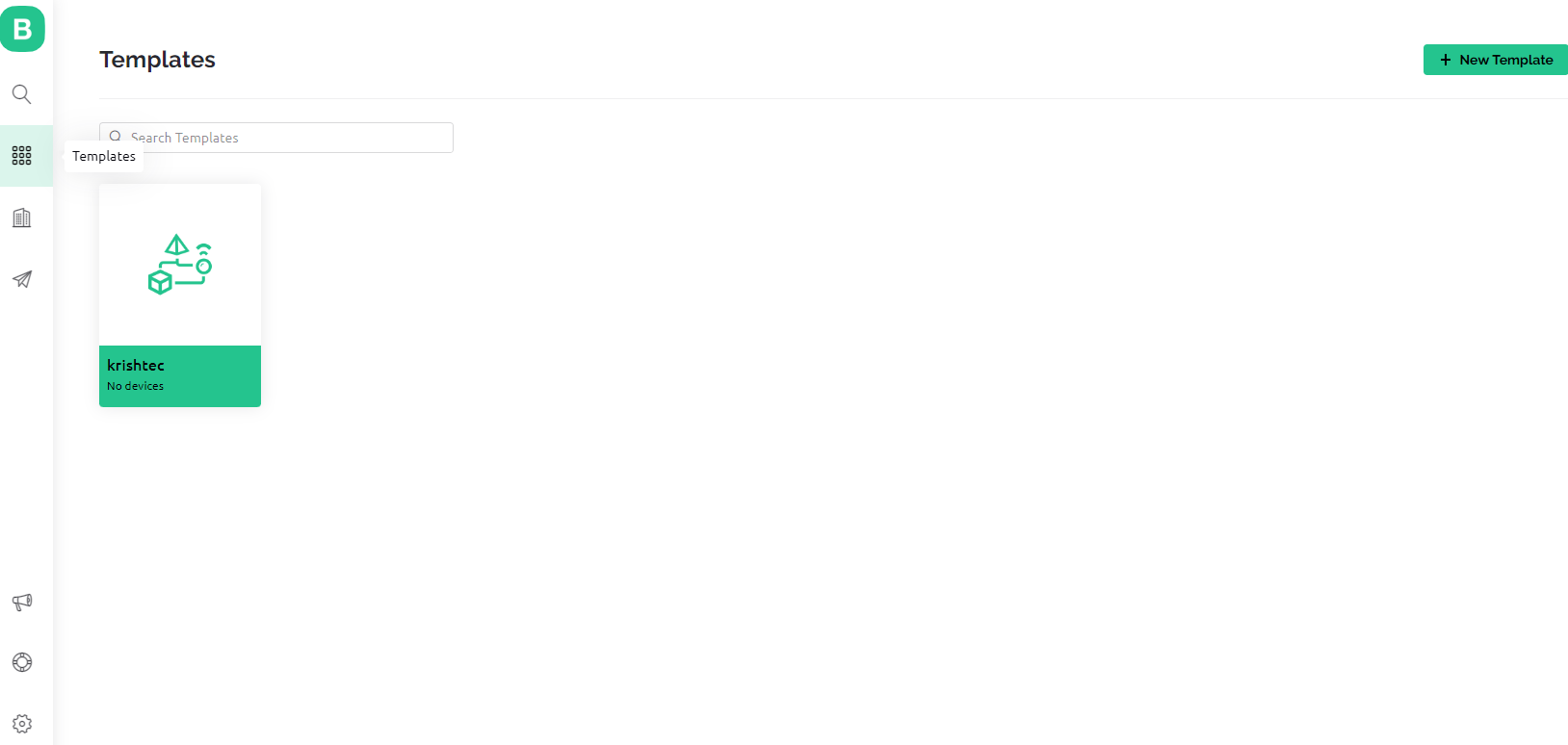
Then save the templet and click on templet icon now you can see the newly created templet.
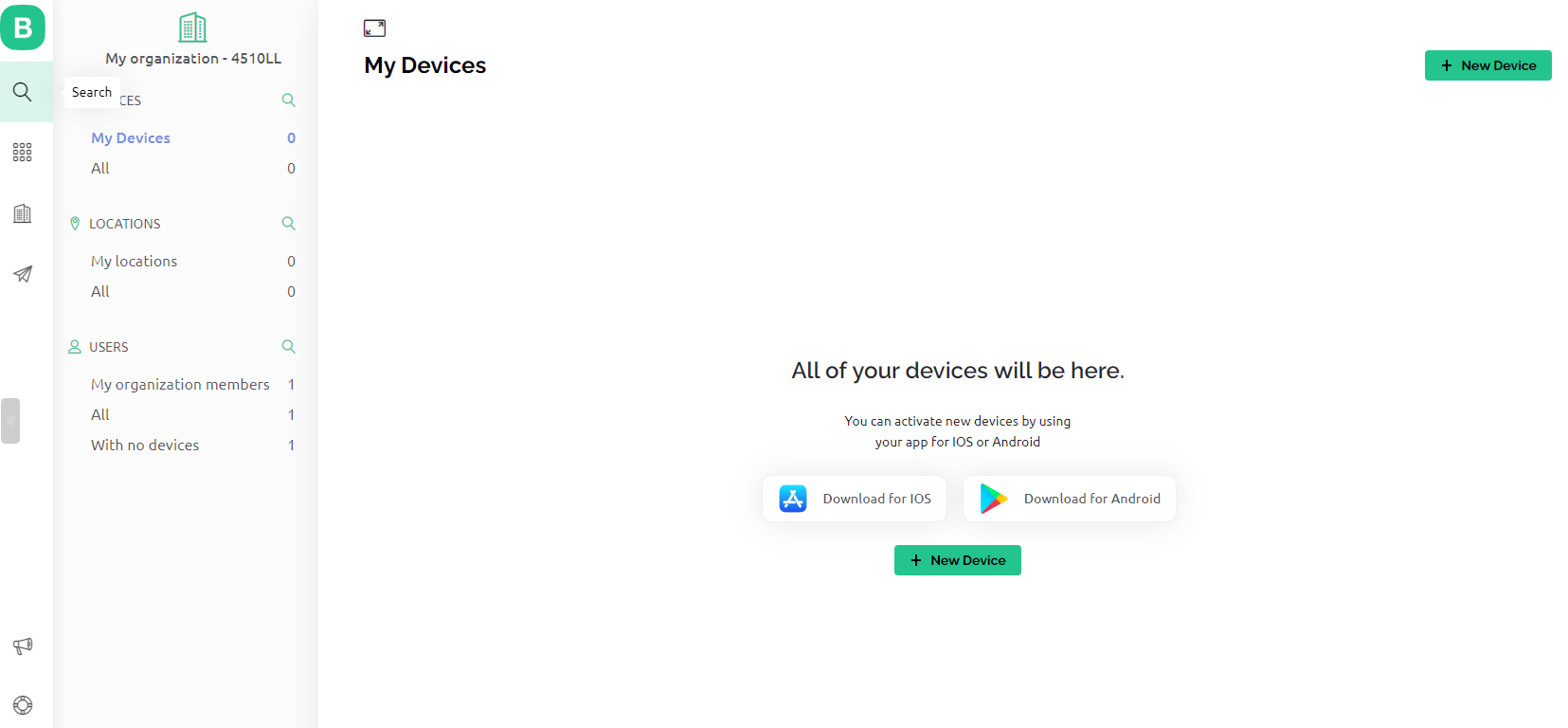
Now click on search icon and then under my device click on new device.
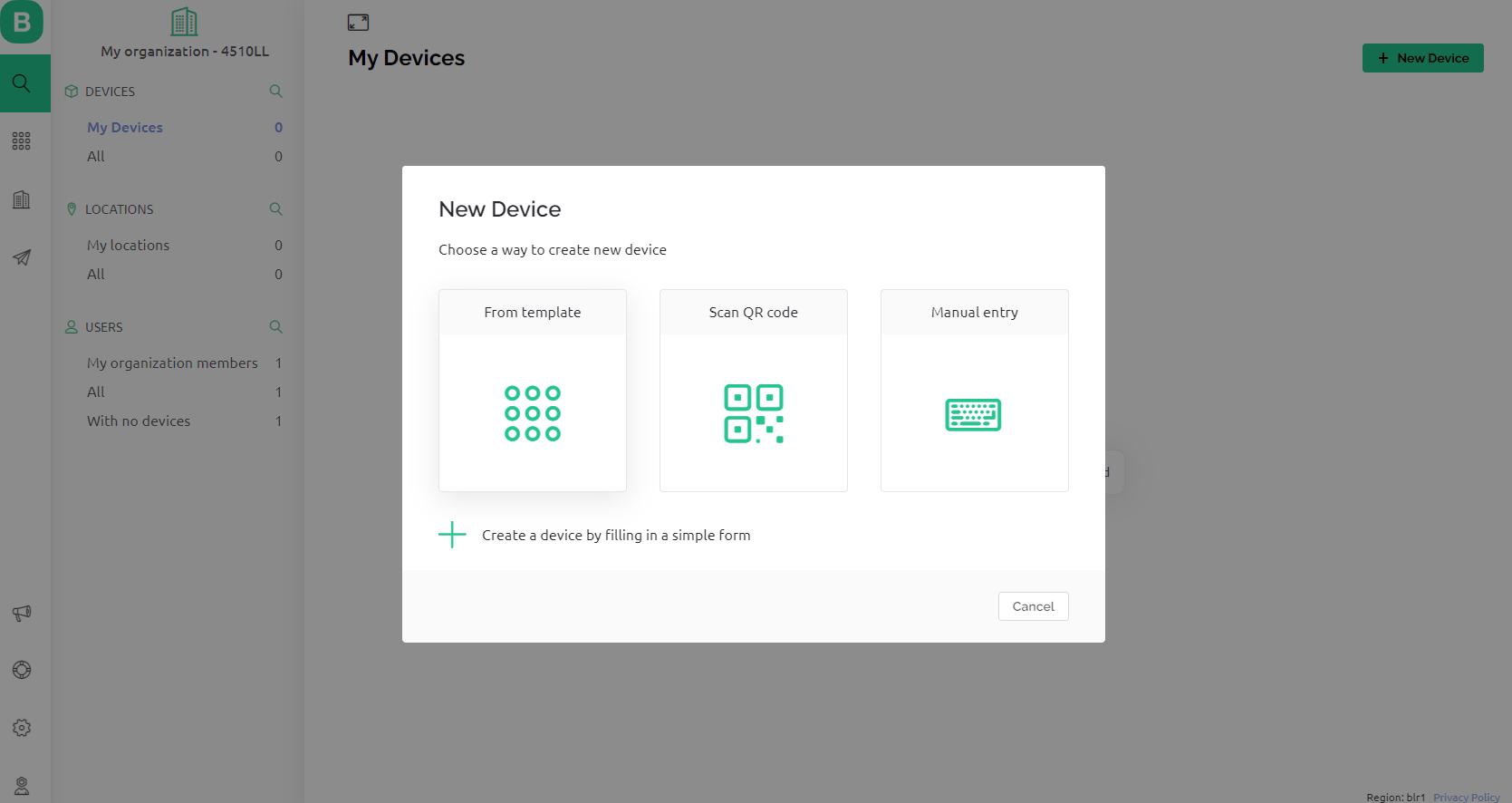
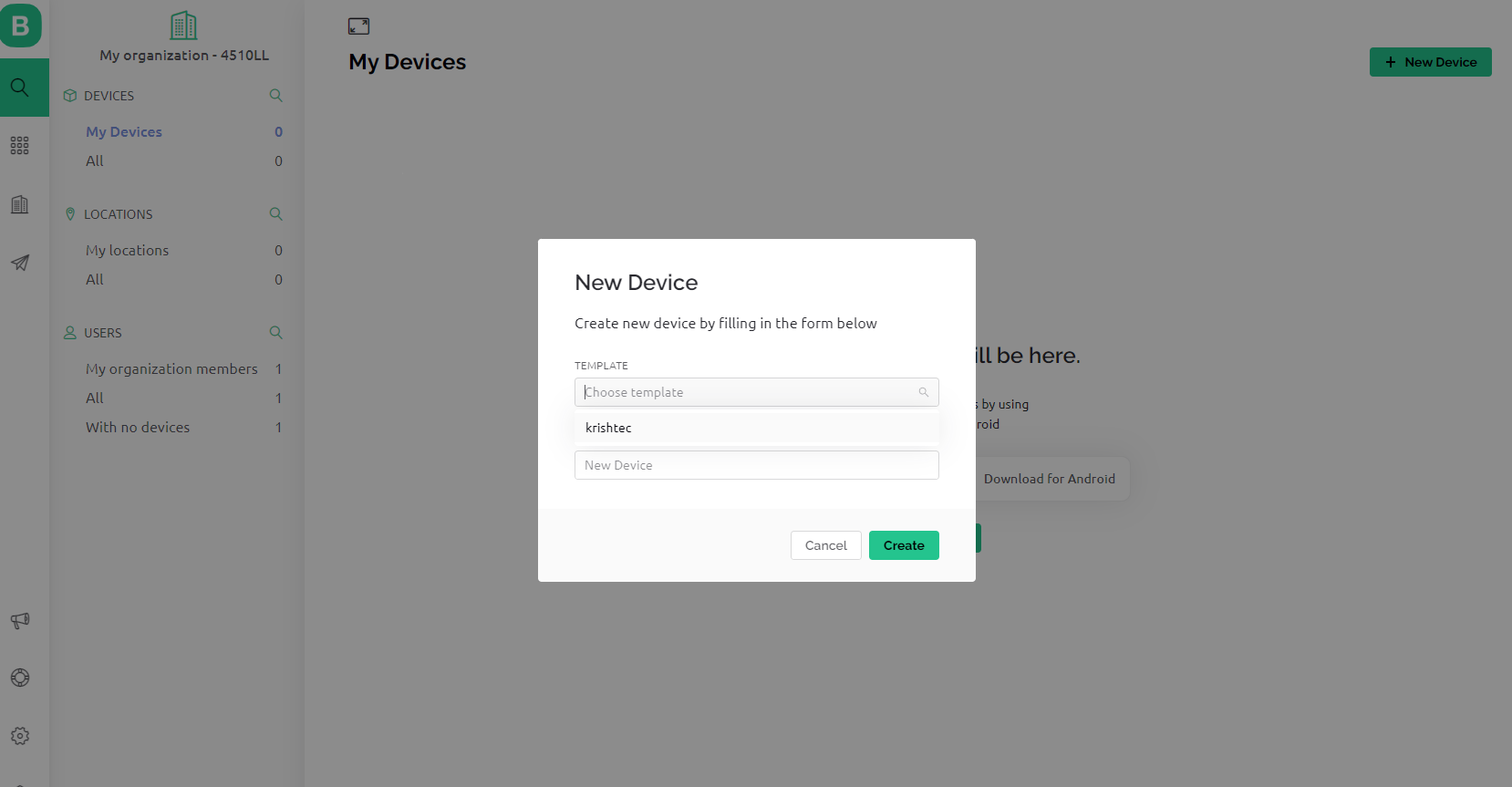
Click on from templet and select your templet name. And give a name to your device.
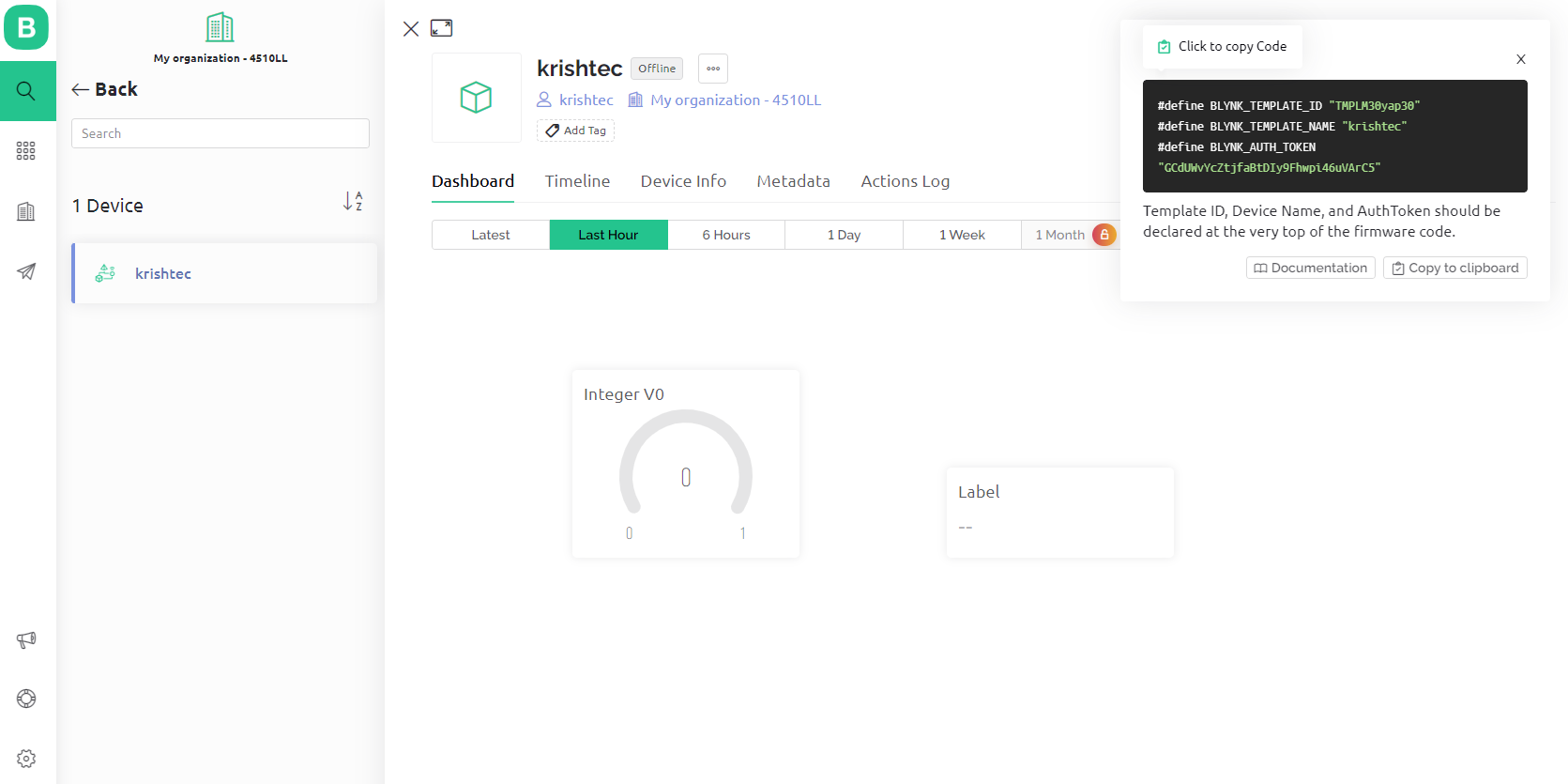
Now you can see the dashboard you created if you send data from hardware via the correct datastream you can see the data there.
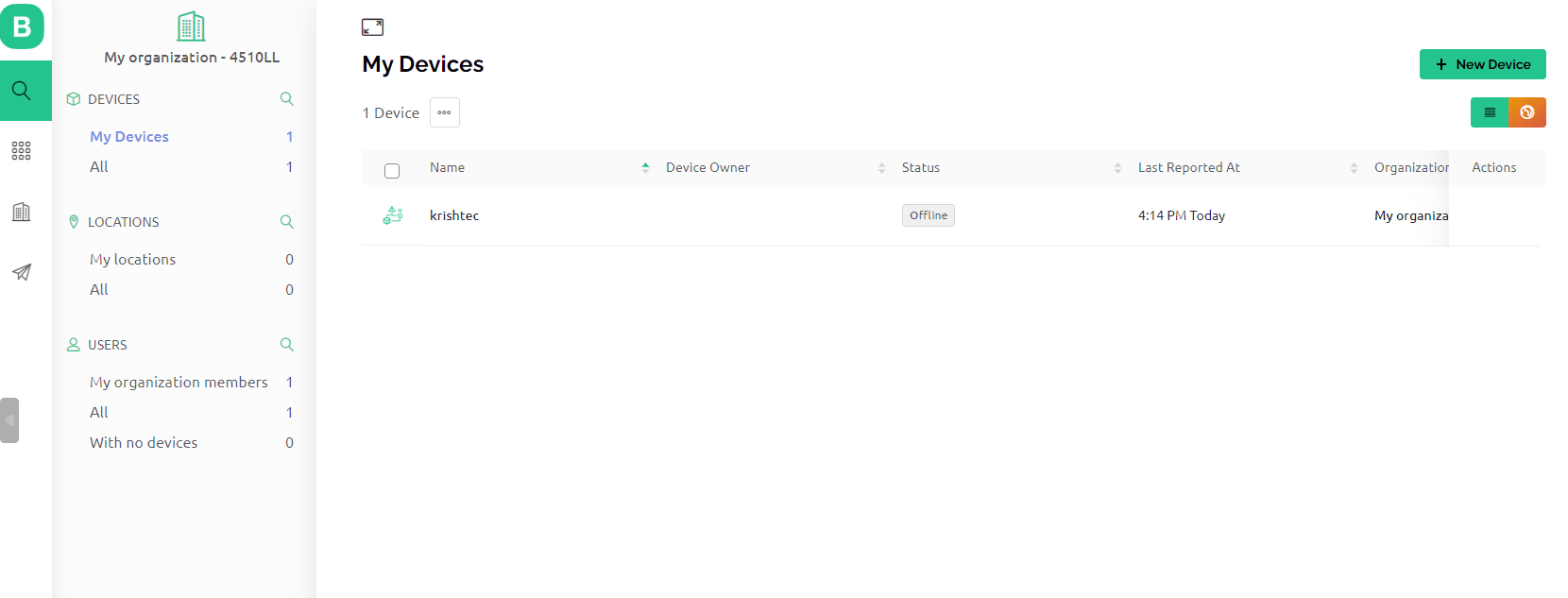
If you click on my devices you can see your hardware online or offline.
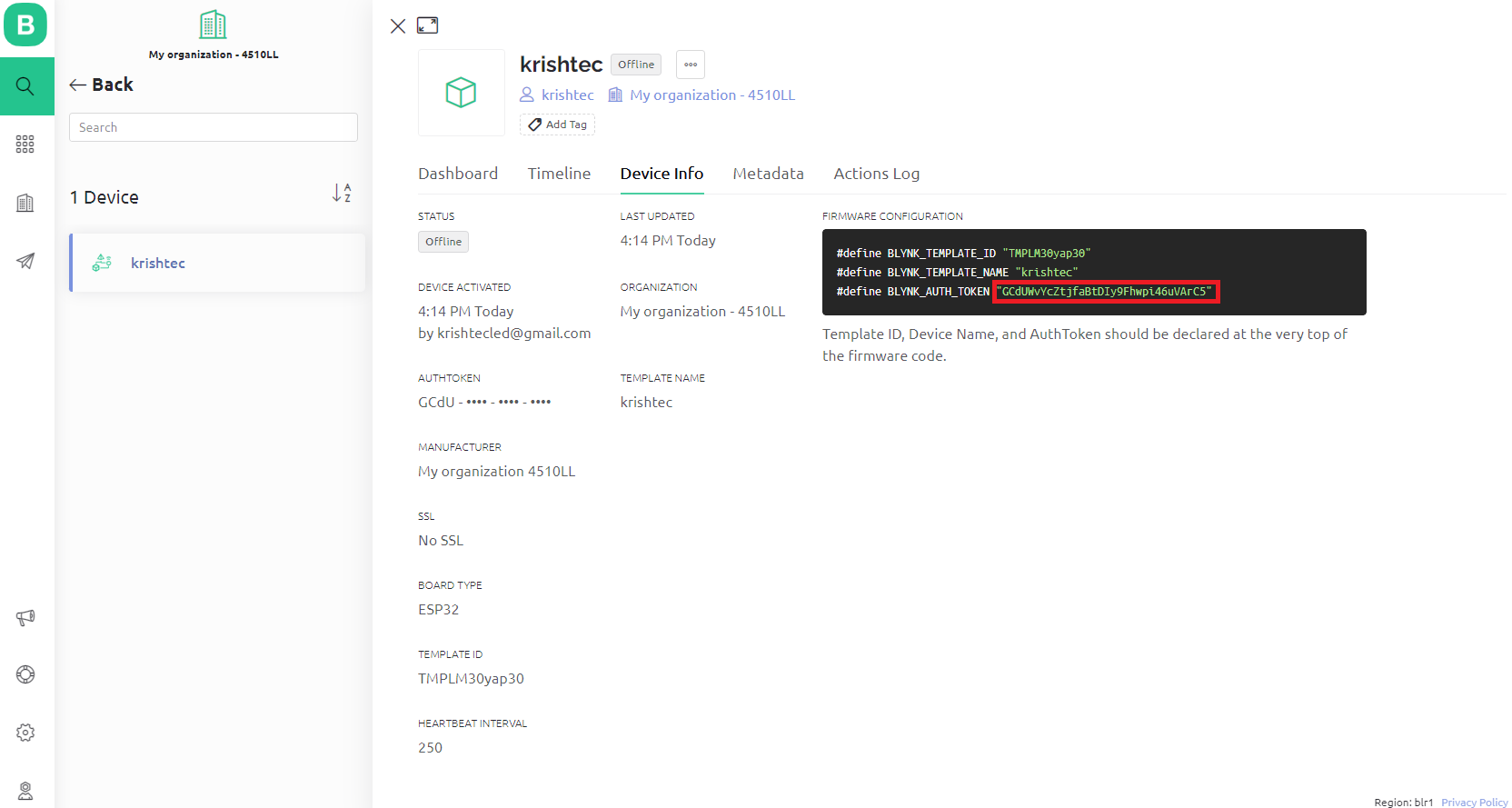
Go to your device and go to device info there under firmware configuration you can find token of your device.
● Create a dashboard and use the widgets as per your requirement, link the data stream(V0) and give the proper range for data stream according to the sensor or data you receive or send.
BLYNK IN MOBILE :
● In mobile go to play store (Android) or apple store (iOS) and search for blynk iot and install that application.
● Open blynk app and login with your account. Then you can the device you created if you didn’t create device create new one there itself.
● Open the device on the right corner you can see a tool icon click on that now you see templet page right side top you can see a plus icon click on that.
Now a widget box will open and click the widget which you want and select that data stream in widget setting. Come back to your device and you can the data in dashboard.